
Demonstration of Hyper Key + Moom
Demo (real-time):
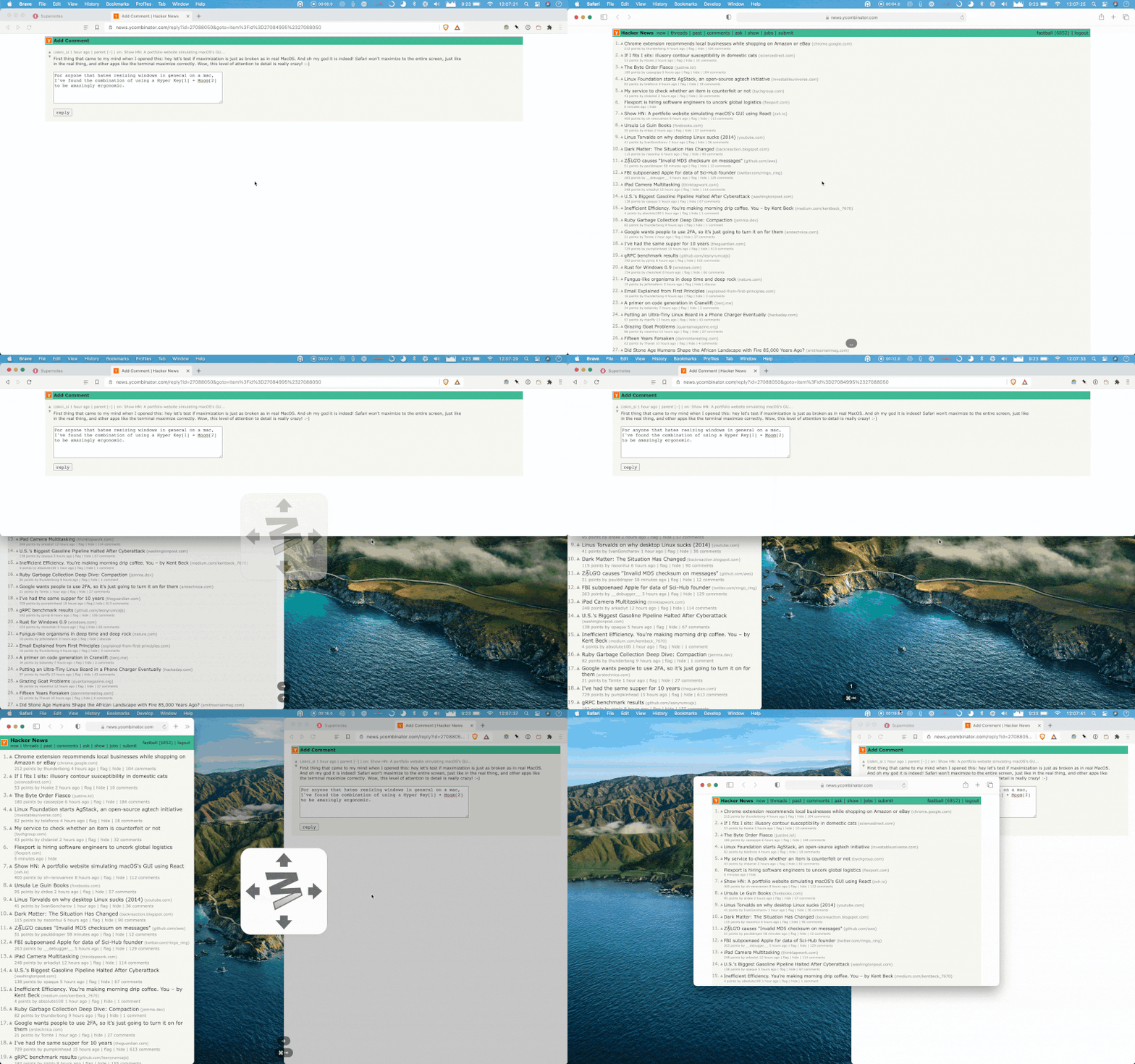
I press my hyper key + a letter I’ve assigned for use with Moom (so caps lock + c). This brings up the Moom quick resizer pane which has various hotkeys assigned to it: space bar for full screen, left arrow for left half, right arrow for right half, top arrow for top half, 1 for first vertical third, 2 for second, etc.